Webhooks
Send form submission data to any external service in real time using webhooks. Webhooks let you integrate Rowform with your own backend, CRM, Slack, Zapier, or any HTTP endpoint.
Setting Up a Webhook
- Open your form in the Builder.
- Click the Integrate tab.
- Find the Webhook card and click Connect.
- Click Connect Webhook.
- Enter your HTTPS endpoint.
- Click Connect Webhook to save it.
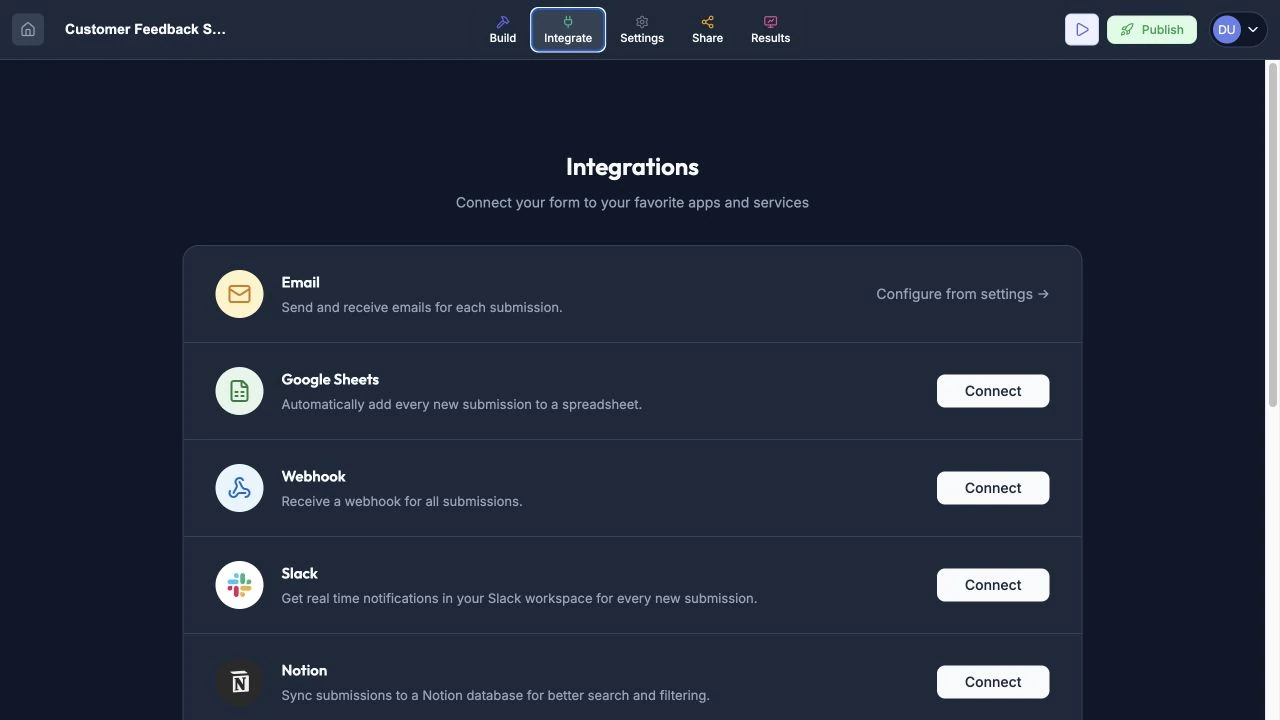
Open Integrate to find Webhook and the other available connections.
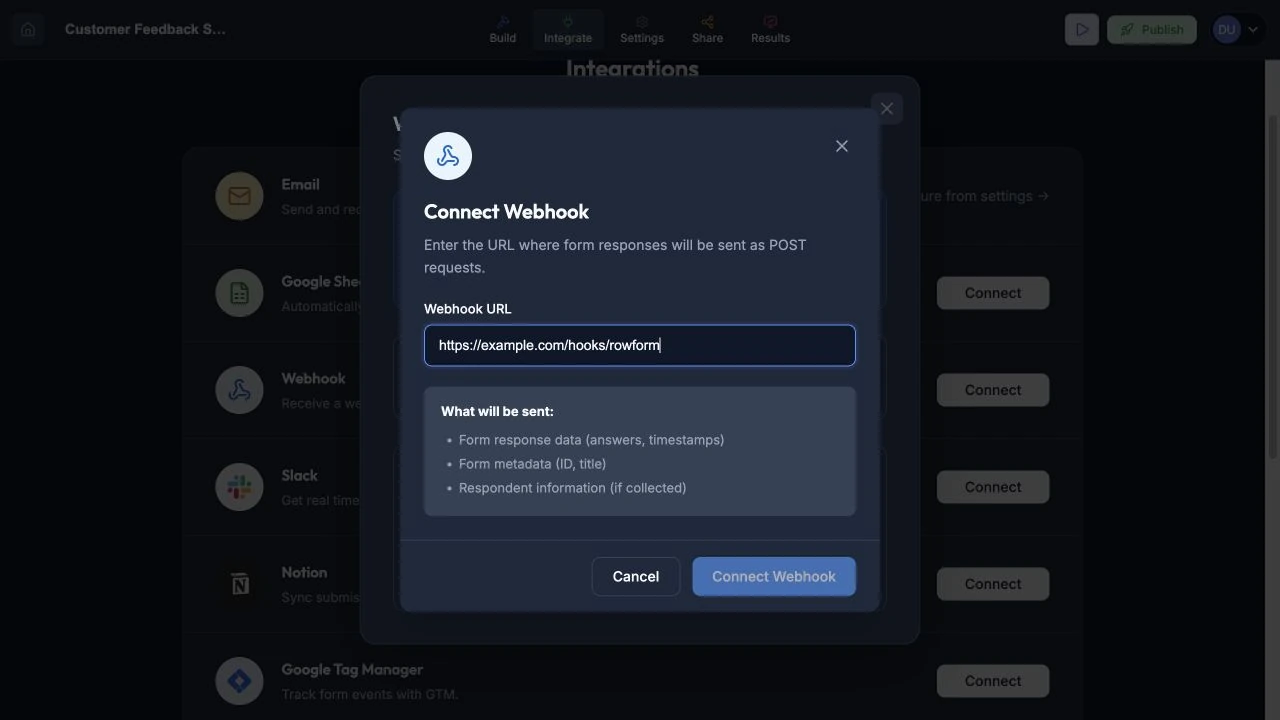
Enter the endpoint that should receive submission payloads.
How Webhooks Work
When a respondent submits your form, Rowform sends an HTTP POST request to your webhook URL with the response data as a JSON payload.
Event Type
Webhooks fire on the form.response.created event — triggered each time a new response is submitted.
Payload Format
The webhook payload includes:
- Form ID and title.
- Respondent’s answers (mapped to question IDs).
- Hidden field values (if configured) — included in the answers object with
hf_prefixed keys (e.g.,hf_abc123). - Submission timestamp.
- Response metadata.
Managing Webhooks
Active/Inactive Toggle
You can enable or disable individual webhooks without deleting them. Disabled webhooks stop receiving data but retain their configuration.
Last Triggered
The webhook panel shows when each webhook was last triggered, so you can verify it’s receiving data.
Failure Tracking
Rowform tracks how many times a webhook has failed. If your endpoint returns an error response (non-2xx status), the failure count increments. Use this to diagnose connectivity or server issues.
Deleting a Webhook
Click the delete button next to any webhook to remove it. This action is permanent.
Use Cases
- CRM Integration — Push new leads from contact forms directly into your CRM.
- Slack Notifications — Send form responses to a Slack channel using Slack’s incoming webhook URL.
- Zapier / Make — Connect to thousands of apps via automation platforms. Note: the official Zapier integration uses polling, not webhooks.
- Custom Backend — Process submissions in your own API for custom workflows.
- Database Sync — Write responses directly to your own database.
Bot Protection
Webhooks only fire for verified submissions. Spam and bot submissions are blocked by Cloudflare Turnstile before they reach your webhook endpoints, so your integrations receive only legitimate response data.
Tips
- Use a service like webhook.site to test your webhook and inspect the payload format before connecting your production endpoint.
- Monitor the failure count regularly. Repeated failures may indicate your endpoint is down or rejecting requests.
- Set up multiple webhooks if you need to send data to different services simultaneously.
- Webhooks are sent in real time, so make sure your endpoint responds within a reasonable timeout to avoid delivery issues.